Courses
Computer ScienceFree

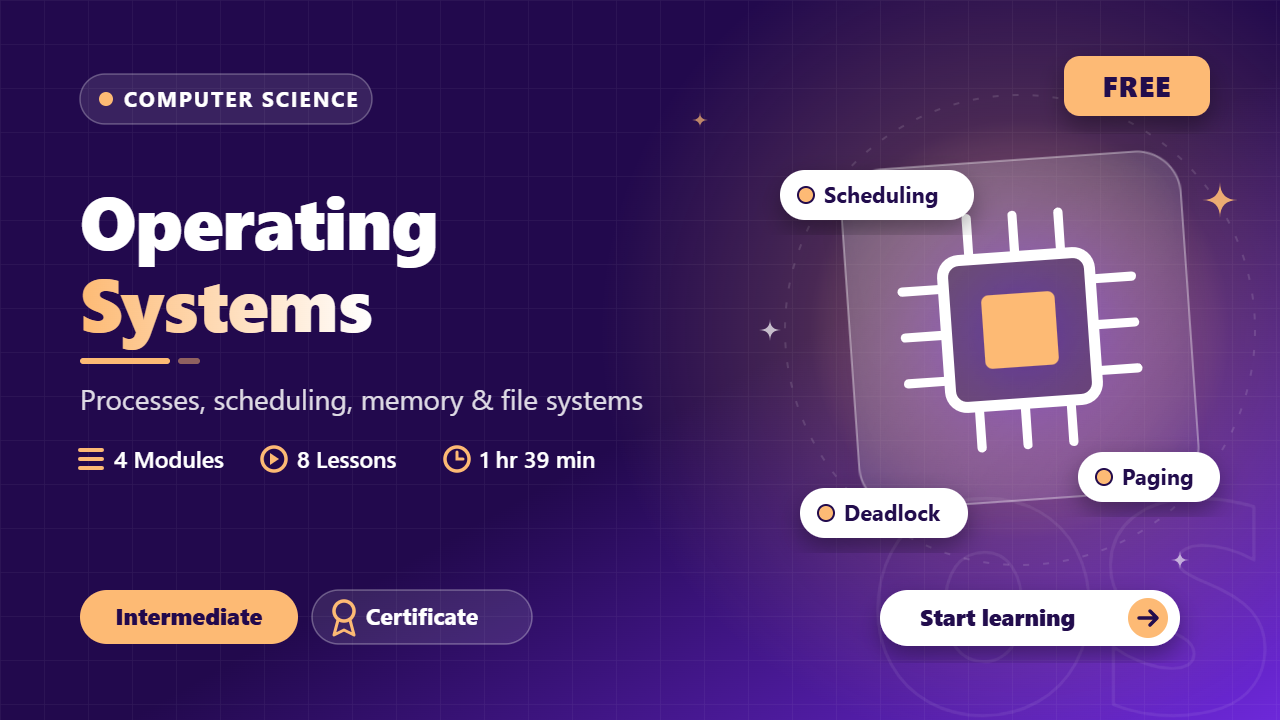
Operating Systems

Processes, scheduling, concurrency, deadlock, memory, paging, virtual memory and file systems — exam + interview core

4 modules8 lessons1 hr 39 minIntermediate
Intermediate
8 lessons in 4 modules
1h 39m of material
8 challenges
English audio
English captions
Certificate on completion

What you'll get

  • Verifiable certificate

  • XP on the leaderboard

Your certificate

TTieEduCertificate of Completionawarded toyour nameOperating SystemsProfessional Tier

Preview of the certificate this course issues. Yours will carry your name, score and a verifiable serial — signed, not editable.

What you will build

OS fundamentals design note

Write a short design note (4–6 pages or equivalent markdown) that: (1) solves one Gantt-chart scheduling problem and one page-replacement table by hand; (2) designs a correct bounded-buffer using semaphores and states the wait order; (3) sketches how you would diagnose thrashing on a busy server; (4) compares two RAID levels for a small lab cluster. Submit the note as PDF or a public markdown URL.

You will submit: PDF or public markdown link showing hand-worked tables (not screenshots of slides), the semaphore code sketch, and a one-page RAID recommendation.

Processes, States and Threads

What a process is, the PCB, the five-state model, and how threads share address space.

What you will learn
  • Distinguish a program from a process and list PCB contents
  • Draw the five-state process model and explain each transition
  • Compare process vs thread and name shared vs private resources

Interview opener: "What is the difference between a process and a thread?" If you say "thread is lighter" without naming the shared address space, you lose half the marks. This lesson builds the model examiners actually want.

Program vs process: A program is passive text on disk. A process is a program in execution with its own address space, registers and kernel resources. One program → many concurrent processes.

PCB (Process Control Block): the kernel's identity card for a process — PID, process state, program counter, CPU registers, memory-management info, accounting, I/O status.

Five-state model:

  1. New — admitted, not yet admitted to ready queue
  2. Ready — waiting for CPU
  3. Running — instructions executing on a CPU
  4. Waiting/Blocked — waiting for I/O or an event
  5. Terminated — finished; PCB reclaimed

Transitions: admit → ready; dispatch → running; I/O wait → waiting; I/O done → ready; exit → terminated. Preemption: running → ready (time slice over).

Context switch: save state of current process, load state of next. Pure overhead — no useful work. Cost grows with address-space size (more to swap) and with TLB flushes on some architectures.

Threads: a thread is a unit of schedulability inside a process.

  • Shared: code, data, heap, open files, signal handlers
  • Private: thread ID, program counter, registers, stack, errno

User-level threads are invisible to the kernel (one blocking call blocks all). Kernel-level threads are scheduled independently. Java's default model is 1:1 kernel threads on modern JVMs.

State
Meaning / waiting for
NewCreated; not in ready queue yet
ReadyCPU; only the scheduler decides
RunningOn a CPU core
WaitingI/O or event; cannot run even if CPU free
TerminatedDone; PCB not yet reaped (zombie parent case)
PCB is the exam keyword

Any "what does the OS keep about a process" answer starts with PCB fields.

Confusing waiting with ready

Waiting means no CPU will help until the event completes; ready means a dispatch will.

Trace a process through the five states
A batch job is submitted, runs, issues a read, finishes.
  1. 1

    New

    Job admitted to the system after validation.

  2. 2

    Ready

    PCB created; process sits in the ready queue.

  3. 3

    Running

    Scheduler dispatches it to a core.

  4. 4

    Waiting

    Execute read(fd); blocked until interrupt completes.

  5. 5

    Ready again

    I/O interrupt; process requeued.

  6. 6

    Running

    Second dispatch; reaches exit.

  7. 7

    Terminated

    Exit status stored for the parent wait().

Solution

Full lifecycle; every transition has a reason (admit, dispatch, I/O, interrupt, exit).

Thread resource map

List three resources shared by threads of one process and three that stay private to each thread.

Hint: Shared follows the address space; private follows the execution context.

Common mistakes
  • Saying a thread has its own address space

    Threads share the process address space; only stacks/registers differ.

  • Calling context switch free because "the OS does it"

    It is pure overhead: save/load + possible TLB shootdown.

Exam / interview angle

PCB vs program?

A program is passive code; a PCB is the runtime record the kernel keeps for each process (PID, state, PC, registers, memory, I/O).

Source: Most repeated OS interview question.

Lesson summary
  • Process = program in execution; PCB is its kernel identity.
  • Five states; waiting is not ready.
  • Threads share address space; stacks and registers are private.
Semester exam prep

University mid-terms and finals; GATE CS core; placement OS rounds

Units, important questions and previous-year papers — revisit before every exam.

1

Processes & Scheduling

Program vs process; PCB fields; five-state model; context switch = pure overhead. Turnaround = completion−arrival; waiting = turnaround−burst. SJF optimal for average wait; RR for response; aging fixes priority starvation.

4 important questions
  1. PCB vs program?
  2. Five-state model transitions with reasons.
  3. Compute average waiting for FCFS/SJF on a given table.
  4. When does RR beat SJF for user perception?
2

Concurrency & Deadlock

Race = interleaving-dependent result. Critical section: mutual exclusion, progress, bounded waiting. Semaphores wait/signal. Producer-consumer: empty→mutex order. Coffman: ME, HW, NP, CW. Banker = avoidance. Lock ordering breaks circular wait.

4 important questions
  1. Three CS requirements.
  2. Why wait(empty) before wait(mutex)?
  3. Four deadlock conditions with one prevention each.
  4. Banker vs prevention.
3

Memory & Virtual Memory

Virtual address = page# + offset; offset unchanged. TLB hit ratio → EAT. Multi-level page tables cut memory. Demand paging faults to disk. FIFO can Belady; LRU/OPT are stack algorithms. Working set + thrashing ⇒ reduce multiprogramming.

4 important questions
  1. Page size 4KB ⇒ how many offset bits?
  2. EAT with given TLB hit rate.
  3. Belady anomaly statement.
  4. Working set and thrashing response.
4

File Systems & Disks

Inode vs name (hard links, open-after-delete). Contiguous/linked/indexed trade fragmentation vs access. SSTF can starve; SCAN/C-SCAN elevator; RAID 0/1/5/6 capacity and failure counts.

4 important questions
  1. Why does unlink of an open file not break the reader?
  2. Contiguous vs linked allocation.
  3. SSTF vs SCAN fairness.
  4. RAID 5 usable capacity and failure tolerance.

What you will be able to do

  • Explain processes, PCBs and the five-state model without hand-waving
  • Compute waiting/turnaround times for FCFS, SJF, SRTF and Round Robin
  • Apply mutex/semaphore patterns and state the critical-section criteria
  • List Coffman conditions and distinguish prevention vs Banker avoidance
  • Translate virtual addresses with paging and solve TLB effective-time problems
  • Count page faults for FIFO/LRU/Optimal and explain thrashing
  • Compare file allocation methods and solve basic disk-scheduling and RAID questions

About this course

University OS courses often split into two painful halves: process/CPU theory and memory/file systems. This course keeps one continuous thread — how the kernel multiplexes the machine — and drills the arithmetic examiners actually grade: Gantt charts, effective access time, page-fault tables and head-movement sums.

Concurrency is taught with runnable mental models (producer-consumer wait order, lock ordering for deadlock) rather than only pseudocode. Virtual memory is taught as the reason your laptop survives 30 tabs, so thrashing and working sets stick. The final exam draws from a 30-question bank; the certificate project is a short written OS design note you can revise from before finals.

Who this course is for

  • CSE/IT students in semester 3–5 facing university OS exams
  • Placement candidates preparing for OS interview rounds
  • GATE aspirants building core CS fundamentals
  • Anyone who wants a correct mental model of processes, memory and disks

What you should know before you start

Anything here is assumed, not taught. If it is not on the list, the course explains it.

  • Comfort with basic data structures
  • Any programming language (pseudocode is explained line by line)

Questions before you start

How much time does Operating Systems take?

The course is 4 modules and 8 lessons — about 1 hr 39 min of material in total. Lessons unlock in order, so the time it takes you depends on how much of each lesson you actually read.

Do I get a certificate?

Yes. Finish every lesson and a certificate is issued automatically. Its serial is public: anyone can check it at https://tieedu.com/verify without an account, and a revoked certificate stops verifying.

Is it really free?

Yes — this course is free, and there is nothing to buy to start it.

How is my progress tracked?

On the server, lesson by lesson. Time is credited at real-time speed and capped, so a lesson cannot be marked complete faster than it can be read. That is why the percentage survives a new device.

How do ratings work?

Only learners who finished the course can rate it, and the average shown is calculated from those ratings alone. A course nobody has finished yet carries no rating rather than a default one.

See all

Computer Networks

Intermediate · Computer Science

OSI to TCP/IP, subnetting, TCP internals, DNS/HTTP/DHCP, TLS security and modern delivery — exam + interview core

4 modules8 lessons1 hr 37 min
FreeNew

DBMS

Intermediate · Computer Science

ER models, SQL, normalization, transactions, concurrency control and crash recovery — exam + interview core

4 modules8 lessons2 hr
FreeNew

Fluid Mechanics

Intermediate · Mechanical

Fluid statics, Bernoulli, flow measurement, momentum forces, pipe losses, dimensional analysis and open-channel flow — ME exam + interview core

4 modules8 lessons2 hr
FreeNew

Signals & Systems

Intermediate · Electronics

Convolution, Fourier series & transform, sampling theorem, Laplace & Z-transforms, Bode plots and modulation — ECE exam + interview core

4 modules8 lessons2 hr
FreeNew

Free · lifetime access

Candidate Verified

Real interview questions verified by candidates placed at top tech firms.

View-Only PDF Security

Watermarked licensed PDFs, server-side unlock checks — no raw download paths.

Honest, Server-Driven

Pricing, coupons and unlocks are verified by the backend — no bypasses.

TieEdu — Learn, Evolve, Develop

© 2026 TieEdu Technologies. All rights reserved.

Built for placement season within India

Visitors who arrive through an email link are remembered with a first-party cookie so we can see which pages that mail led them to — never the other way round, never on login or admin pages, and never for anonymous visitors. Every email carries a one-click unsubscribe that stops both mailings and tracking.